
How to Sound Natural When Using a Teleprompter
Read and Practice Before Using the Teleprompter
Never read your script for the first time during recording. Read it aloud multiple times to get comfortable with flow, tone, and meaning.
Write the Script Like You Speak
Use simple language, natural rhythm, contractions, and conversational tone. If you wouldn’t say it in real life — rewrite it.
Add Natural Pauses and Breathing Cues
Add breaks, commas, or line spacing where you would naturally pause. This prevents a rushed or monotone delivery.
Match Scroll Speed to Your Natural Pace
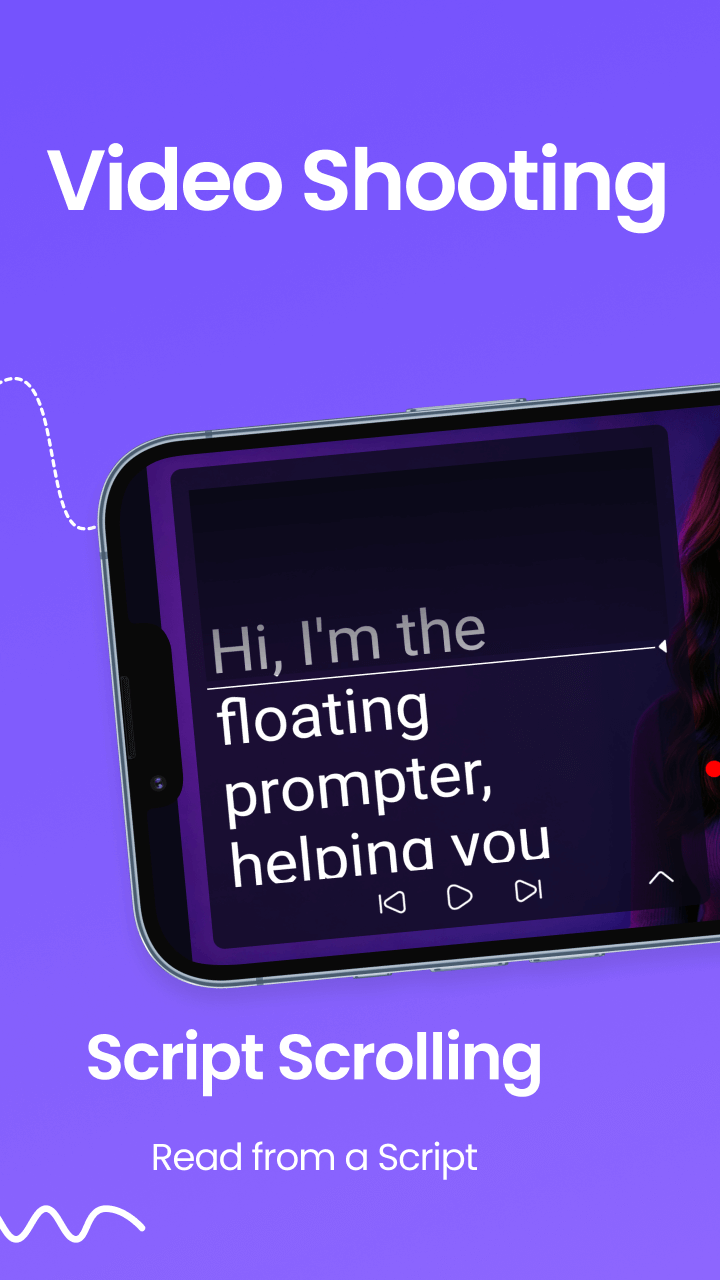
Adjust scrolling until the text feels comfortable. If you feel rushed or lagging — adjust speed, text size, or spacing.
Use Gestures and Body Language
Don’t freeze. Use facial expression, tone variation, and gestures to maintain authenticity and emotional connection.
Stay Close to the Camera Lens
Keep your teleprompter text near the camera so your eyes stay connected with your viewers — not darting around.
Record, Review, Repeat
Record practice takes and analyze tone, pacing, and expression. Each review makes you sound more natural and confident.
Want to practice now?
Try speaking naturally with the browser-based teleprompter.
Get Teleprompter Pro on Google Play